How to Download and Play Silent Hill: Townfall on PlayStation 5
Step-by-step PS5 guide to buy, download, install, and launch Silent Hill Townfall from PlayStation Store.
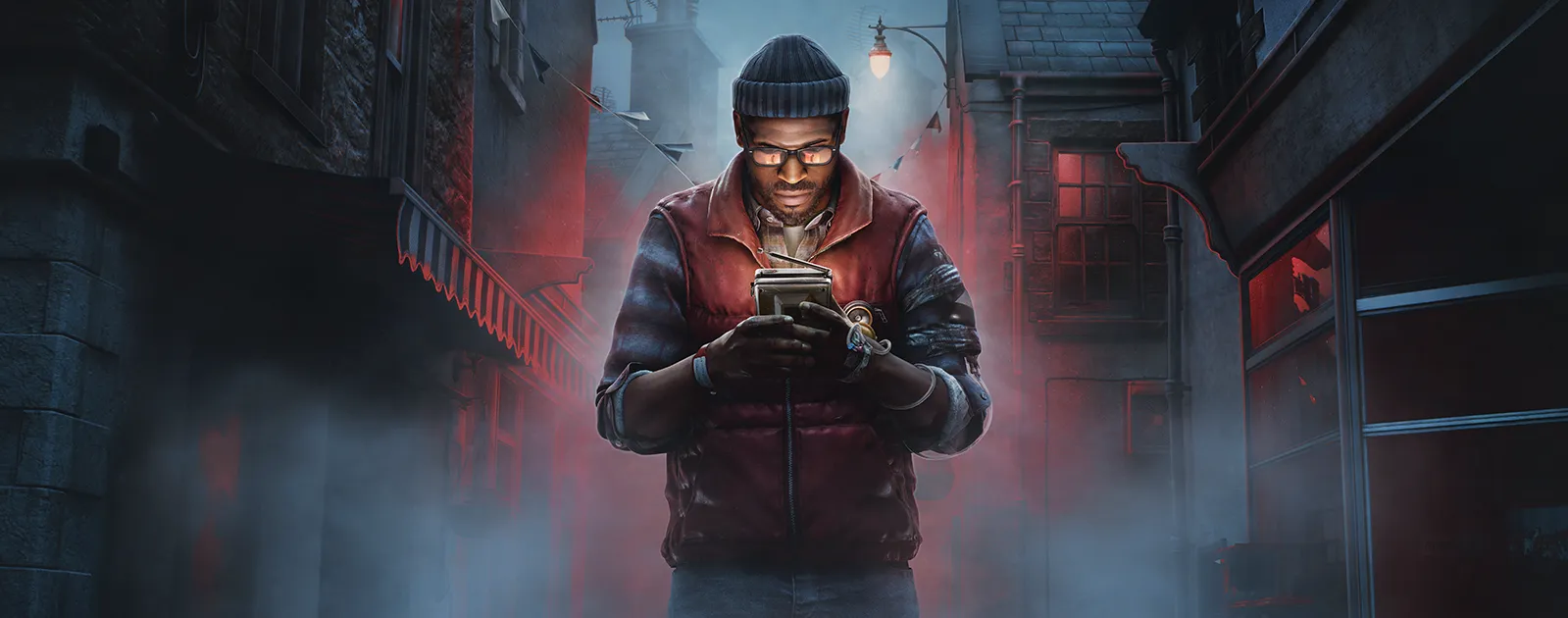
Official promotional artwork © KONAMI.
Availability note — September 22, 2026: KONAMI lists the standard release for September 24, 2026. If your edition is not unlocked yet, your PS5 may show a countdown instead of a Play button.
What you need
- A PlayStation 5 connected to the internet.
- A PlayStation Network account signed in on the console.
- A valid payment method or enough PlayStation Store wallet balance if you have not purchased the game yet.
- Enough free console storage for the game and any launch update.
Step 1: Open PlayStation Store
From the PS5 home screen, open PlayStation Store.
Use Search and enter:
Silent Hill: Townfall
Make sure the result is the KONAMI / Screen Burn game for PlayStation 5.
Step 2: Choose your edition
Open the game’s product page and select the edition you want.
KONAMI’s official order page lists PlayStation 5, Steam, and Epic Games versions:
Open the official Silent Hill: Townfall order page
Review the edition contents before purchasing. If an edition includes early access, the Play button can become available before the standard release time.
Step 3: Purchase or pre-order
Select the purchase or pre-order button and complete checkout with your PlayStation Network account.
After the transaction is complete, the game is tied to that PSN account.
Step 4: Download the game
If the product page offers Download, select it.
If you already own the game and do not see the store page:
- Return to the PS5 home screen.
- Open Game Library.
- Go to Your Collection.
- Find Silent Hill: Townfall.
- Select it.
- Choose Download.
PlayStation’s official support documentation also recommends downloading owned games from your Game Library / purchased collection.
Step 5: Wait for installation to finish
Open the PS5 Control Center and check Downloads/Uploads to monitor progress.
Do not disconnect the console from the network while the main game or a required update is still downloading.
If storage is low, go to:
Settings → Storage
and free enough space before restarting the download.
Step 6: Check for updates
Once installation finishes:
- Highlight Silent Hill: Townfall on the home screen.
- Press the Options button on the controller.
- Select Check for Update.
Installing the latest update before your first session can prevent avoidable launch or compatibility issues.
Step 7: Launch Silent Hill: Townfall
When your edition is unlocked, select the game from the PS5 home screen and choose Play Game.
If you see a countdown or a message saying the game cannot be played yet, your edition has not reached its regional unlock time.
If the download button is missing
Try these checks in order:
- Confirm you are signed in to the PSN account that purchased the game.
- Open Game Library → Your Collection and search for the title there.
- Restart the PS5.
- Check PlayStation Network status if store or license services are unavailable.
- If needed, use PS5’s Restore Licenses option under account settings.
Official references
Related Articles
guides
How to Download and Play Silent Hill: Townfall on Epic Games Store
Step-by-step Epic Games Store guide to buy, install, download, and launch Silent Hill Townfall on PC.
guides
How to Download and Play Silent Hill: Townfall on Steam
Complete Steam guide to purchase, download, install, update, and launch Silent Hill Townfall on PC.
guides
Release Information
Official release information for Silent Hill Townfall including launch date and supported platforms.
Was this helpful?
Thanks for the feedback!